The application of a voucher takes place in the order step “shopping cart”.
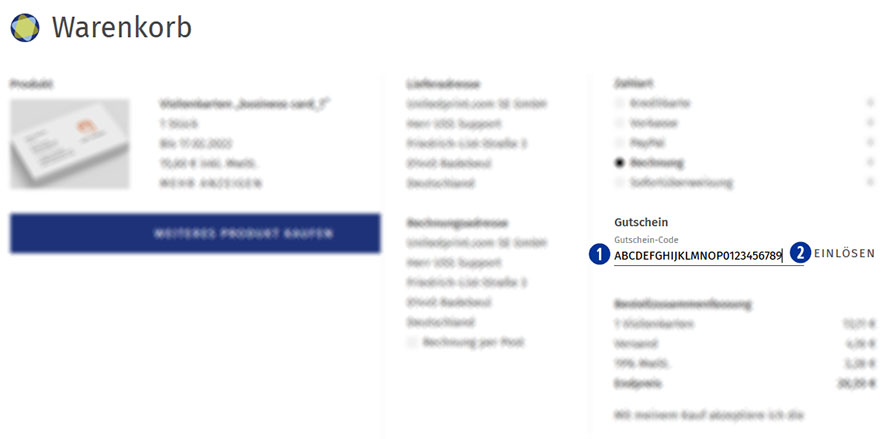
Please enter the coupon code in the input field “Voucher”. [01]
Confirm the entry and use of the voucher by clicking on the button “Redeem voucher”. [02]
An entered coupon code can be removed within the current order before the purchase. To do so, delete the coupon code from the input field “Coupon” and click the button “Redeem coupon”. [02]
A coupon code will not be accepted if the deposited minimum order value is undercut.
A coupon code can only be redeemed once.
Category:
Marketing