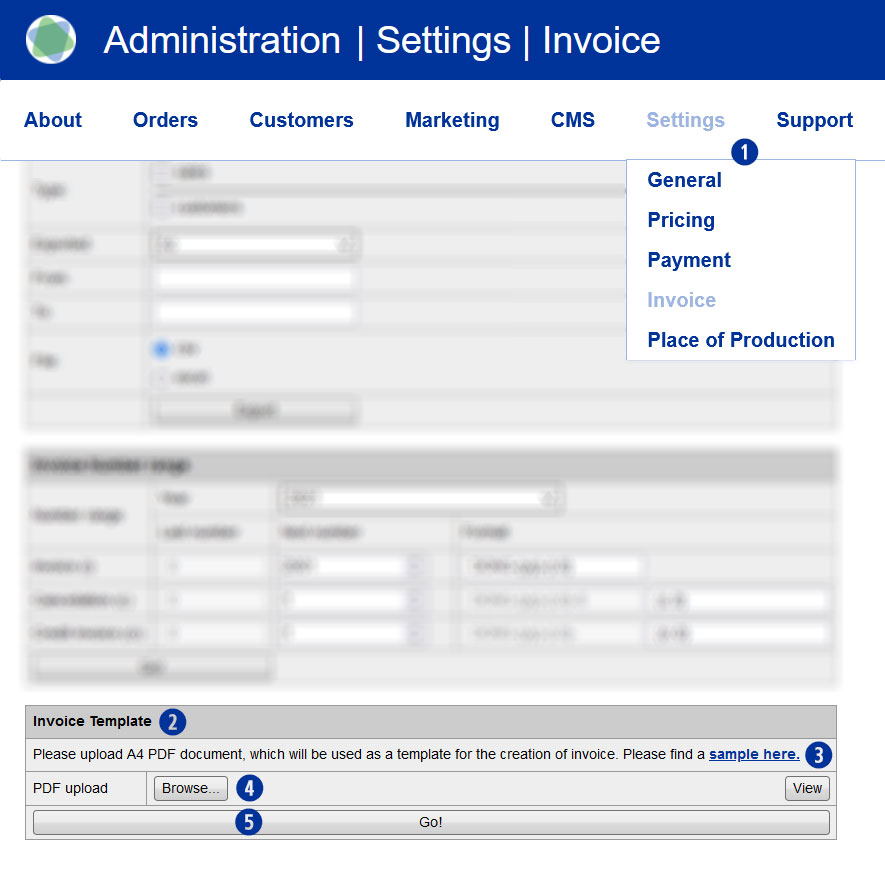
In order to generate invoices using your corporate design and official company information, your USS partner shop requires a corresponding template. You can generate such a template within just a few minutes. For general guidlines for the placement of your template’s content, please use the sample file provided.
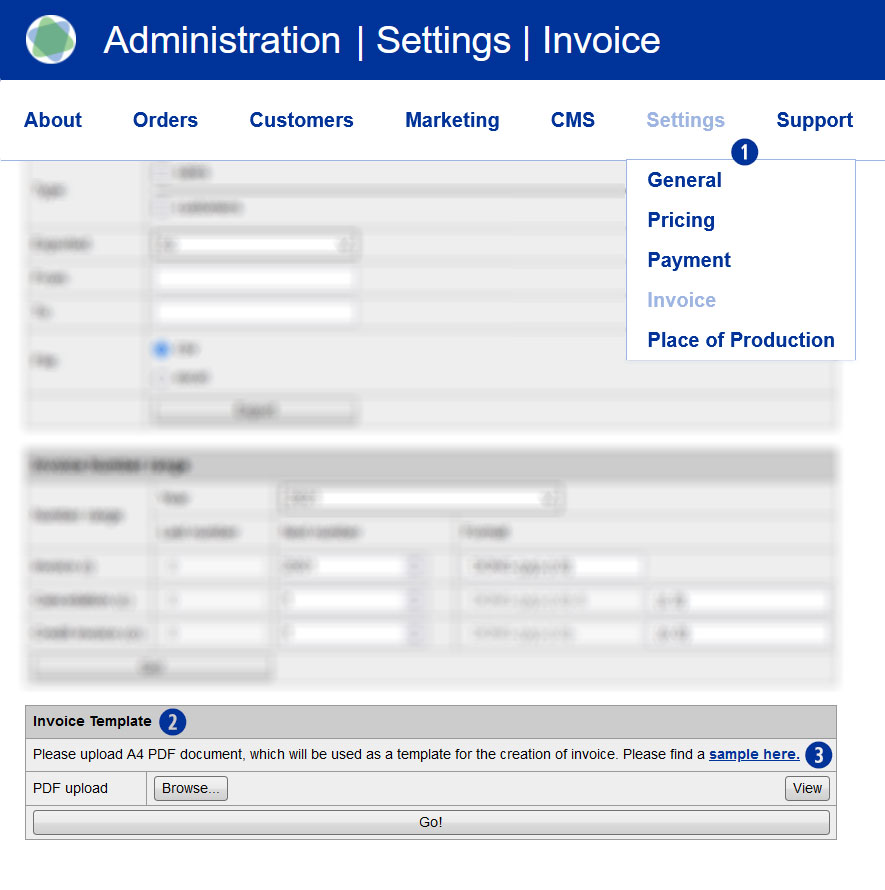
Go into the backend section Settings / Invoice. [1] In the module “Invoice template” [2] you’ll find a link „sample here“ [3] with our sample PDF file. Download the sample file and overwrite it with you componay’s information. Alternatively, you can of course generate such an invoice template yourself.
Note
When designing your own invoice template, please do not place text patterns or images in areas that are left white in the sample template. These areas (especially in the center and the top of the page are need for dynamic invoice information. Save the invoice document in PDF version 1.4 (Acrobat 5.x).
The version check can be carried out with the PDF document open in the Adobe Reader or Adobe Acrobat Pro program over the menu “File / Properties”.