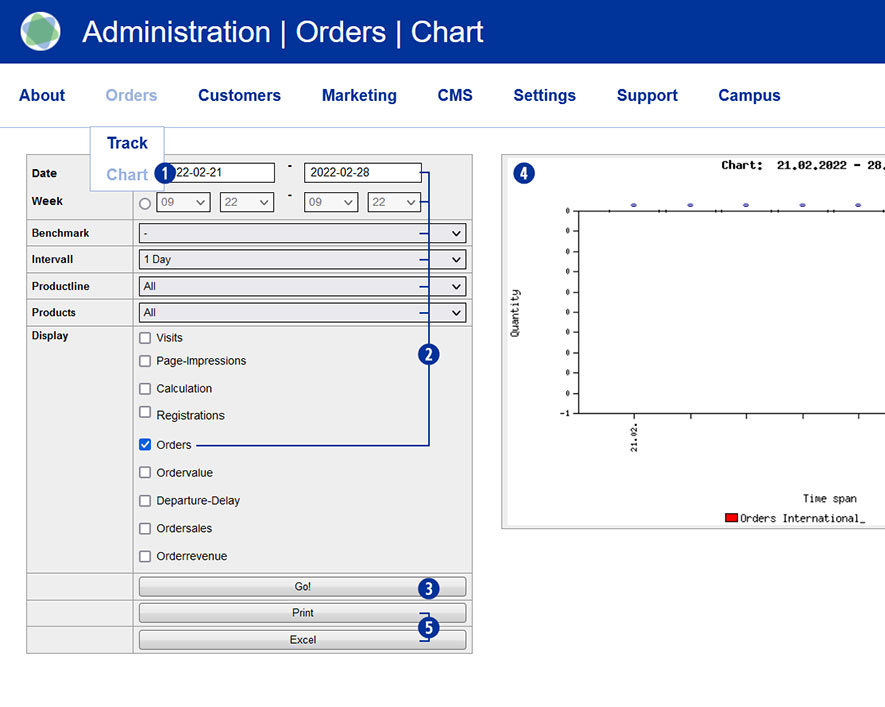
Switch to the Partnershop backend and select Orders / Chart in the menu. [1] Set the desired parameters [2] and start the query by clicking on the “Go!” button. [3] The result of your query is presented to you as a diagram. [4]
In addition, it is possible to print out the query result or export it as an Excel file. [5]
Category:
Production